
Are WordPress Plugins a Security Risk?
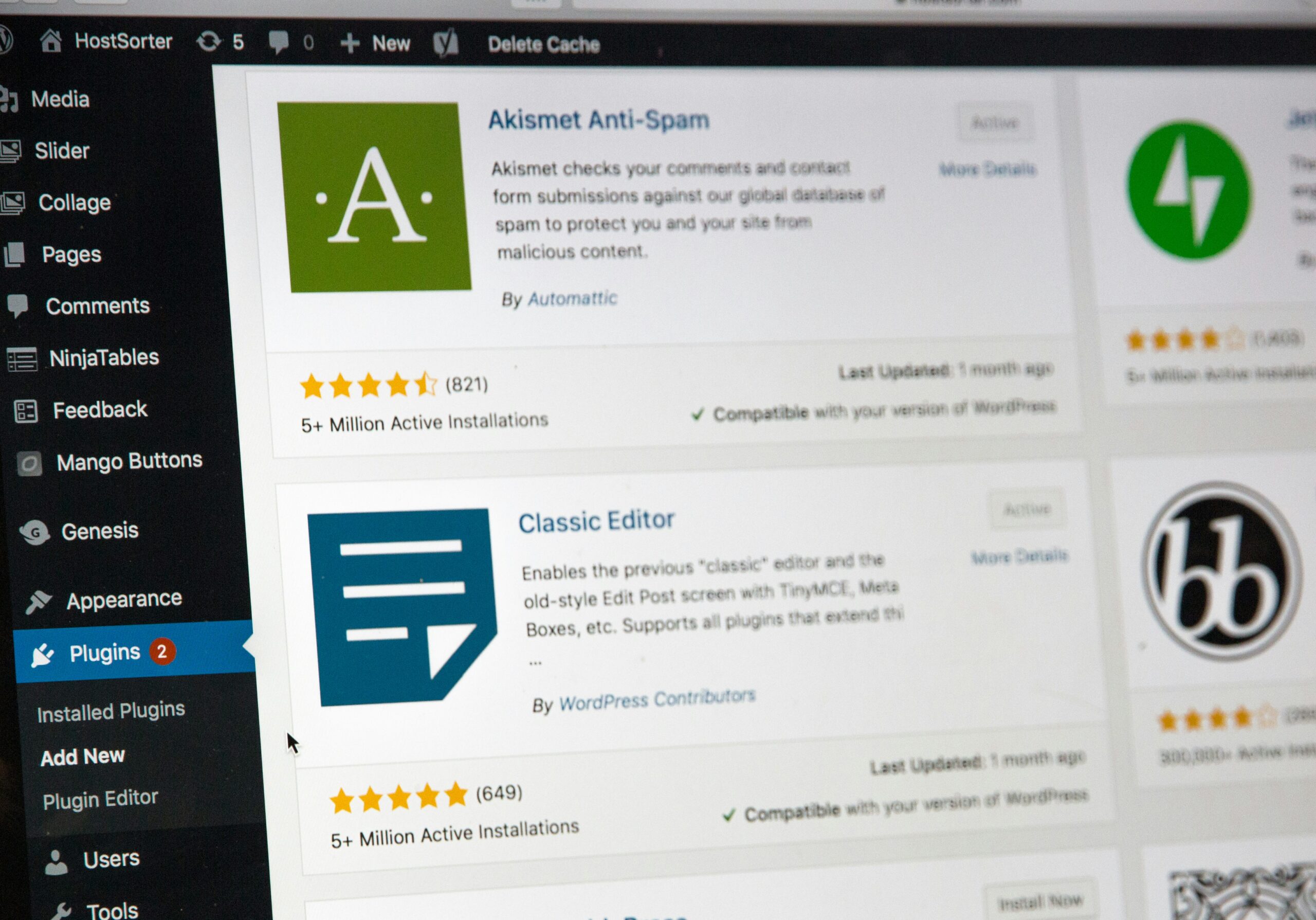
As a full-service marketing agency that builds, hosts and maintains WordPress websites, we don’t just say “Bon Voyage” to you on launch day. We continue to host, monitor and maintain your site for the foreseeable future.
We’ve been hosting websites for 25 years, which means we’ve seen how WordPress sites behave post-go live. And one of the most common issues we still encounter isn’t a broken page or an outdated design. It’s outdated plugins that are quietly falling behind.
On the surface, everything may appear fine. Your site loads. Forms still work. No obvious errors. But behind the scenes, those outdated plugins can create small gaps that slowly turn into much bigger problems.
Why are outdated plugins a common WordPress security risk?
From contact forms and map displays to SEO tools and custom integrations, plugins are what make WordPress such a flexible platform. They add functionality, improve performance and allow websites to evolve without rebuilding from scratch.
But that flexibility comes with responsibility.
Each plugin adds another layer of code to a website. Over time, developers release updates not just to add features, but to fix bugs and patch security vulnerabilities discovered after a plugin is in use. When those updates aren’t applied (or when plugins are abandoned altogether), known weaknesses remain exposed.
That’s why outdated plugins are among the most common causes of WordPress security issues. According to WP Engine, plugin vulnerabilities account for 55.9% of known attack entry points.
Attackers actively look for sites running older plugin versions so they can take advantage of those weaknesses to inject malicious scripts, gain unauthorized access or compromise site data.
What can happen if WordPress plugins aren’t updated?
When plugins become outdated, attackers use automated tools to scan for known vulnerabilities. Once identified, they may:
- Inject malicious scripts into pages or files
- Redirect visitors to unwanted or harmful sites
- Access sensitive data or administrative functions
Often, these issues don’t trigger immediate warnings. A site can remain compromised for weeks or months before symptoms appear. This could mean slower performance, SEO drops, browser warnings or user complaints.
These risks are well-documented, preventable and most often tied to outdated or unnecessary plugins.
It’s not neglect. It’s unclear ownership.
In our experience, outdated plugins usually aren’t the result of someone ignoring their website. They’re the result of unclear responsibility.
Who updates plugins? Which updates are safe to apply? What happens if something breaks after an update? Is anyone reviewing whether a plugin is still needed?
When those questions don’t have clear answers, updates get delayed. Plugins pile up. Risk increases quietly over time.
Does managed web hosting handle plugin security?
Managed WordPress hosting provides an important layer of protection. Features like firewalls, daily backups and malware monitoring help secure websites at the infrastructure level, meaning the server and network itself.
At TRIO, we host WordPress sites on WP Engine because it’s a secure, enterprise-grade platform built specifically for WordPress. Within that environment, we also include a Smart Plugin Manager that automatically updates many WordPress plugins on our clients’ sites. When TRIO installs a plugin or manages the license, updates are handled proactively as part of ongoing maintenance.
That secure foundation (and automated updating) matters. But even on a best-in-class hosting platform, outdated plugins can still introduce risks in certain situations.
For example, issues can arise when:
- A plugin license is owned or managed outside of TRIO, limiting automated updates
- A plugin has been abandoned by its original developer
- A plugin hasn’t been updated to remain compatible with newer versions of WordPress
In those cases, the plugin may no longer receive security patches, even though the hosting environment itself remains secure. That’s because plugins live inside the website itself, not the hosting infrastructure. Hosting and automated tools can support plugin updates, but they can’t fix outdated or unsupported code.
This is why regular review, cleanup and clear ownership still matter, even with strong hosting and automated systems in place.
Our Approach to Plugin Management and Maintenance
Our philosophy is simple: fewer plugins, smarter updates and clear ownership.
We treat plugins as part of a system — not a checklist. That means:
- Regularly reviewing which plugins are installed and why
- Removing tools that are no longer necessary
- Applying updates intentionally, not reactively
- Making sure responsibility for maintenance is clearly defined
This approach reduces security risk, improves performance and helps prevent the scramble that often follows unexpected issues.
Hosting and managing your own WordPress site? (First off…why?) We recommend you read this WP Engine article for best practices for managing plugins to ensure your WordPress Site’s security.
Consistent care beats emergency fixes.
WordPress websites don’t need constant overhauls. They do need consistent care. If you’re not sure when your plugins were last reviewed, that’s often the best place to start. Don’t want to or know how to? No problem. TRIO’s Web Services team is ready to help!
Frequently Asked Questions About WordPress Plugins and Security
- How often should WordPress plugins be updated?
Plugins should be reviewed regularly and updated as soon as security patches are released. For most sites, this means monitoring updates at least monthly, with more frequent reviews for high-traffic or mission-critical websites.
- Do managed hosting platforms automatically update plugins?
Most managed hosting platforms handle WordPress core updates, but do not automatically manage all plugins. Plugin updates usually require manual review to ensure compatibility and stability.
- Can outdated plugins affect SEO or website performance?
Yes. Outdated plugins can slow down a site, introduce errors, or inject malicious scripts that negatively impact search rankings and user trust.
- Is it important to remove unused plugins?
Absolutely. Even inactive or unused plugins can pose security risks if they remain installed. Removing unnecessary plugins reduces potential attack surfaces and improves overall site health.

Web Developer